Verification Infographic
If you're starting a new business and want to show up on Google Maps, getting your Google Business Profile verified is the first real hurdle.
Here’s the part most people don’t realize:
There isn’t one clean, predictable process.
We’ve helped businesses through this dozens of times as it's an important part of our SEO services, and verification can feel like Google is just… making it up as they go. One business gets a postcard. Another gets forced into video. Another gets rejected twice before anything works.
But there is a pattern to how this plays out, and if you understand it up front, you’ll save yourself a ton of time.
And don't get me started on the scammy companies that guarantee they'll get you verified. It's a scam!
The Most Important Thing to Know
Verification is not about filling out a form correctly. It’s about proving your business is real, local, and actually operating at the address you listed.
Everything Google asks you to do is built around that one goal.
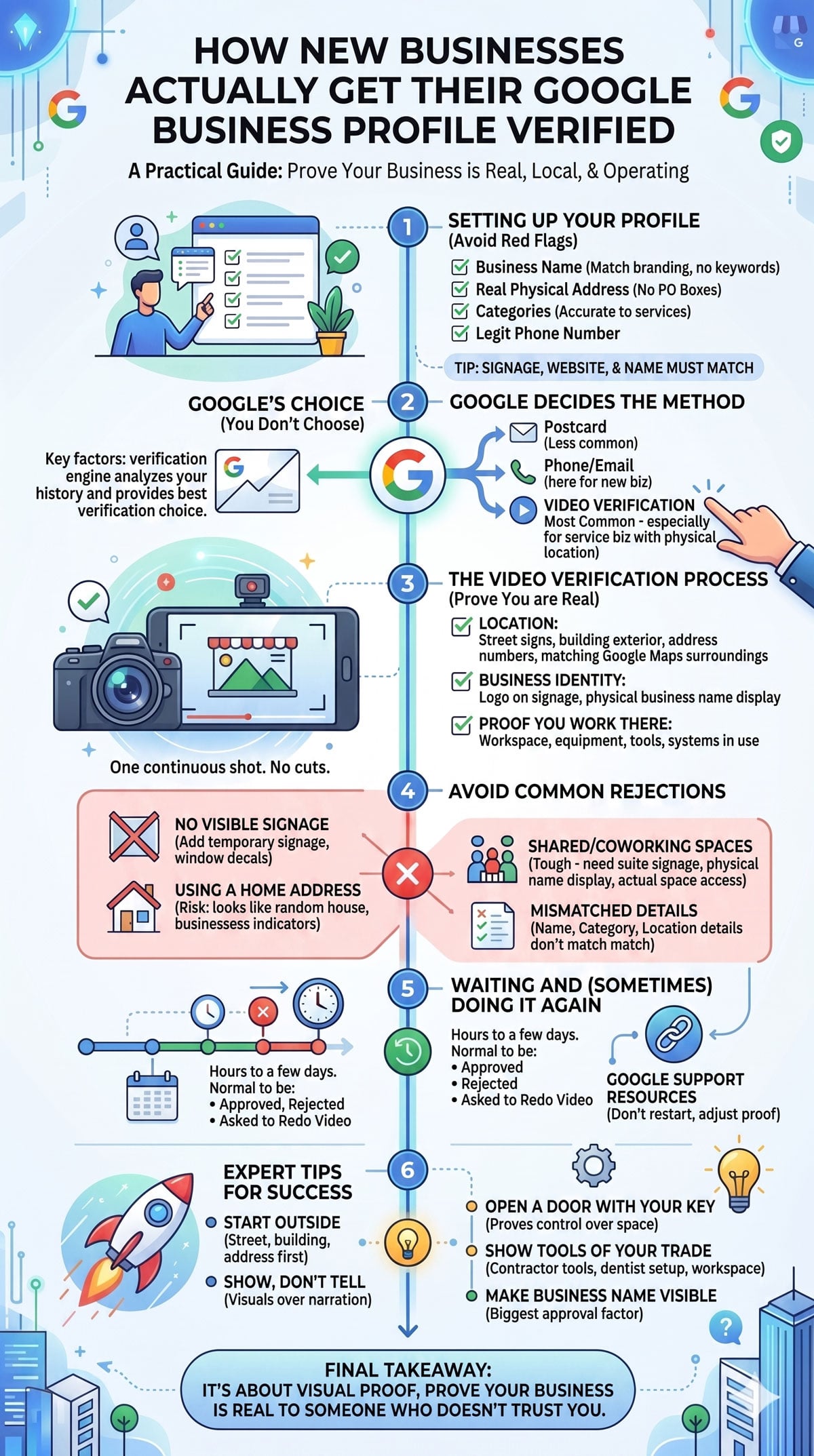
Step 1: Setting Up Your Business Profile (And Not Shooting Yourself in the Foot)
Before you even get to verification, you create your listing inside Google Business Profile Manager.
This is where a lot of issues start.
What you enter here matters more than you think:
- Business name must match real-world branding (no keyword stuffing)
- Address must be a real, physical location
- Categories should match what you actually do
- Phone number should be legit and reachable
Small tip:
If your signage, website, and business name don’t match, you’re already making verification harder.
Google cross-references everything.
Step 2: Google Decides How You’ll Be Verified
Once your listing is created, Google chooses your verification method.
You don’t choose it.
The common options:
- Postcard (less common now)
- Phone or email (rare for new businesses)
- Video verification (most common now)
For service businesses with a physical location, expect video.
Step 3: The Video Verification Process (What Google Is Actually Looking For)
This is where most people get stuck.
Google isn’t looking for a polished video. They’re looking for proof.
You’ll typically need to show:
1. Your Location
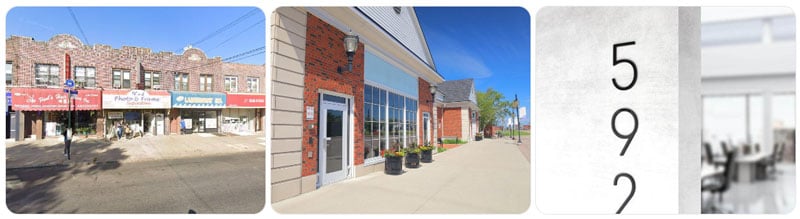
- Street signs
- Building exterior
- Address numbers
- Surroundings that match Google Maps
2. Your Business Identity
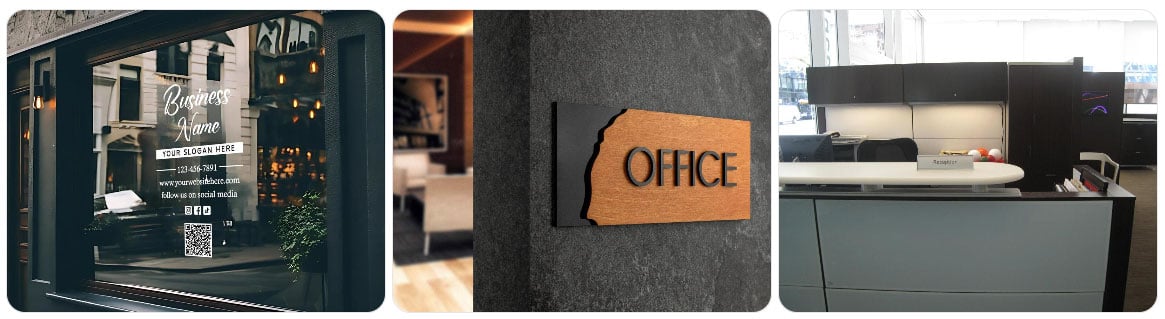
- Logo on signage
- Business name displayed physically
- Branded materials if signage is minimal
3. Proof You Actually Work There
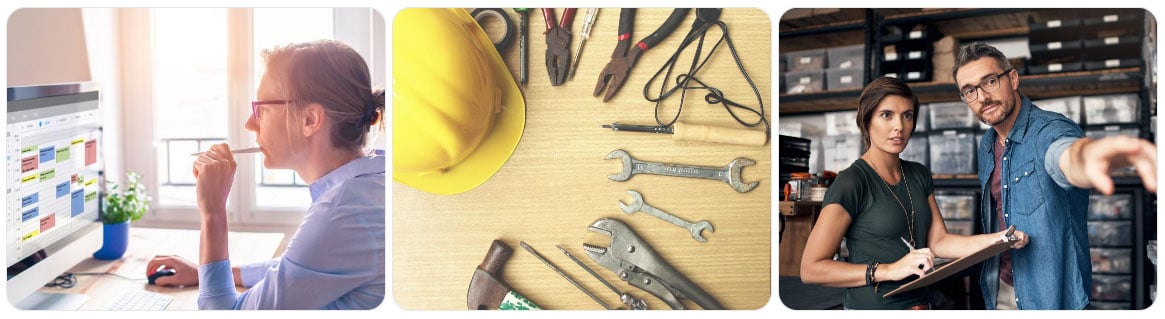
- Your workspace
- Equipment
- Tools
- Systems you use to operate
How the Video Works
You’ll either:
- Record it live through Google
- Or upload a recorded version
Usually, it’s one continuous shot. No cuts.
What we tell clients:
Just walk through it like you're proving to a skeptical stranger that your business is real.
Because that’s basically what you’re doing.
Where Most Businesses Get Rejected
This is the stuff we see all the time.
1. No visible signage
If there’s no sign, Google struggles to connect the business name to the location.
Workaround:
Even temporary signage helps. Window decals, printed signs, anything physical.
2. Using a home address without a clear business setup
If it looks like a random house with no business indicators, it’s risky.
3. Shared office/coworking spaces
These are tough.
Google knows these addresses are used by a lot of businesses.
What helps:
- Suite number signage
- Your business name physically displayed
- Access to your actual space (not just a lobby)
4. Mismatch between listing and reality
Different business name
Different category
Different location details
Google flags this fast.
Step 4: Waiting (And Sometimes Doing It Again)
After submitting, you’ll usually wait:
- A few hours to a few days
Sometimes it gets approved right away.
Sometimes you get:
- Rejected
- Asked to redo the video
- No clear explanation
This is normal, even though it’s frustrating.
Step 5: If You Get Rejected
Don’t start over from scratch right away.
Instead:
- Look at what might have been unclear
- Add stronger proof in your next video
- Make your signage more obvious
- Double-check your listing details
You can also use Google’s official support resources:
- Google Business Profile Help
- Google Business Profile Community
They’re not always fast, but they do help in edge cases.
Small Tips That Actually Make a Difference
These are the little things that move the needle.
Start outside
Don’t start your video inside your office.
Show the street, building, and address first.
Say nothing, just show everything
You don’t need narration. The visuals matter more.
Open a door with your key
This is a weird one, but it helps.
It proves access and control over the space.
Show tools of your trade
If you’re a contractor, show tools.
If you’re a dentist, show the setup.
If you’re an office-based service, show your workspace.
Make your business name visible somewhere
Even if it’s temporary.
This is one of the biggest approval factors we’ve seen.